✨ AI Video Prompt Generator
Type your subject below, or leave it blank to use the uploaded image option.
Step-by-Step Guide: How to Generate Your ASMR Wood-Carving Video
Follow this simple 4-step workflow to turn any concept or image into a viral, high-detail woodworking time-lapse:
Customize the Subject
Use the prompt tool above to enter your desired character, animal, or object (e.g., Cyberpunk Samurai, Goku, or Majestic Eagle). The tool automatically updates every reference in the master prompt.
Copy the Prompt
Click the “Copy Prompt” button to grab the fully formatted text to your clipboard.
Open Gemini & Set Up Input
Navigate to Google Gemini (or Google AI Studio).
(Optional) If you have a specific character design, sketch, or photo you want carved, attach the reference image to your chat.
Paste and Generate
Paste the copied prompt into the input box and hit send.
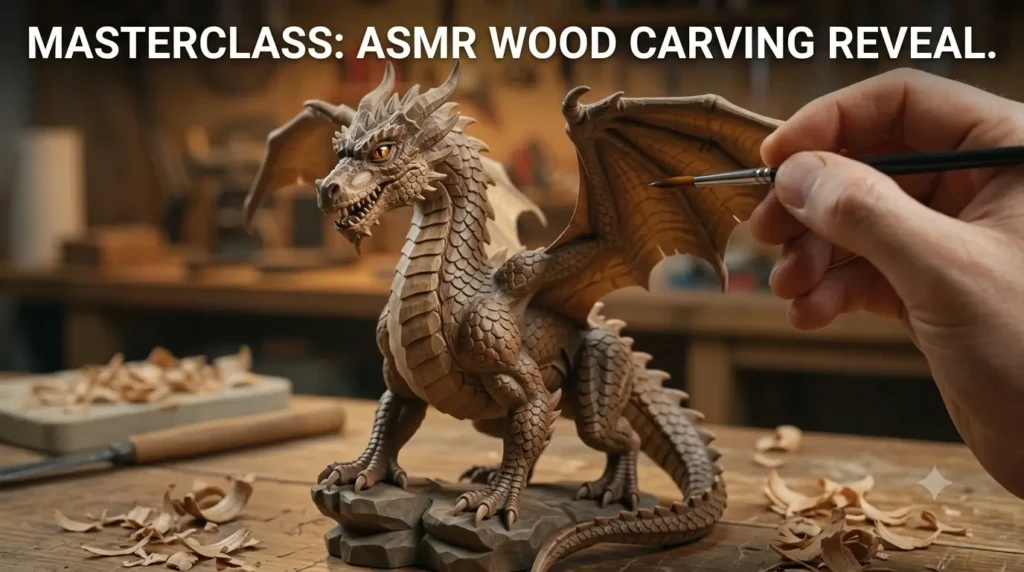
Gemini’s video engine will process the multi-phase instructions—transitioning from rough carving and chisel shavings to fine sandpaper smoothing, brush staining, and the final 3D reveal.
Pro Tips for the Best Results
High-Contrast Reference Images: If uploading a photo, ensure it has clear lighting and defined contours so the AI accurately maps the carving depth.
Aspect Ratio: For vertical formats like YouTube Shorts, Instagram Reels, or TikTok, specify
9:16 vertical framingin the lighting/aesthetic section.Audio Layering: Boost engagement by adding tactile wood-carving sound effects (curling wood shavings, tapping chisels, gentle brushing) using capcut or your preferred video editor before publishing.